


Google reviews are among the most effective tools available to local businesses these days. They can help build trust, boost online visibility and sometimes impact buying decisions prior to any immediate contact being made. But collecting reviews does not always occur naturally. This is where Google review cards for businesses come in.
These printed tools allow it to be simple for buyers to leave feedback following a good experience because of their product. You are able to boost your internet presence with review cards, which can be ideal for businesses of any kind, whether it is a beauty salon, a cafe, or any retail business.
In this guide, you will explore how you can work with Google review cards, design tips, the difference between cards and Google review plates, and just how simple good actions are able to result in a good reputation.
Why Google Reviews Matter
Builds Connection and Trust
By responding to reviews, you are showing that you care about the opinions of your customers. A thoughtful response to feedback, whether positive or negative, creates trust and also motivates loyalty.
Strengthens Your Reputation
When prospective customers notice you interact with reviewers, it defines your business as attentive and professional. It shows you’re serious about providing an excellent experience.
Encourages More Reviews
Individuals are much more apt to leave a review when they see other people getting real responses. It promotes a feeling of community as well as recognition.
What Are Google Review Cards for Business?
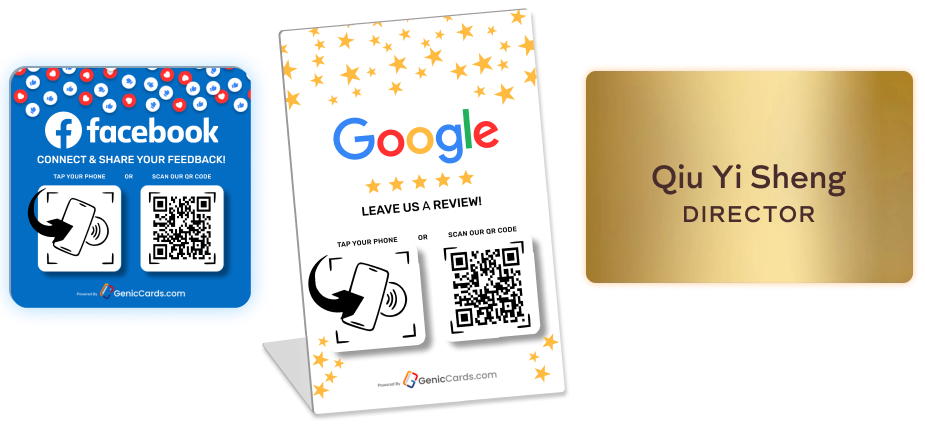
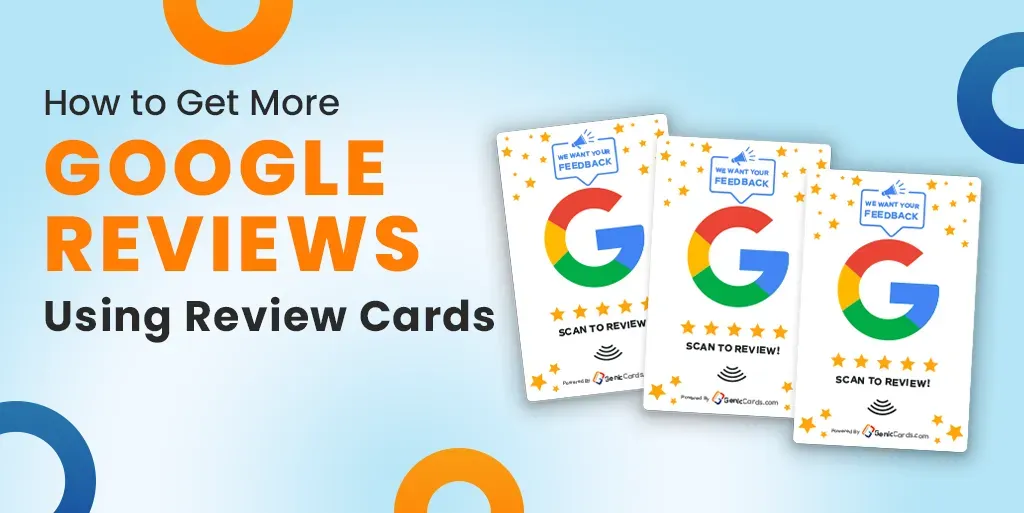
A Google review card is a small printed card that invites your customers to leave a review. It includes a direct link (usually as a QR code) to your Google Business profile. These cards are a physical reminder to your customers to take that extra step and share their experience.
They can be handed out after a service is done, added to packages or even left at reception. These cards are simple, but when used right, they can be a game-changer.
What Makes a Good Review Card?
A good review card should be simple, clear, and easy to act on, helping customers understand the request quickly while making the review process smooth and straightforward.
Clear Messaging
Your card should ask for a review in a simple, friendly tone. A direct call like “We’d love your feedback” works best.
QR Code Link
Make it easy by adding a QR code that links straight to your Google Business review page.
Brand Presence
Include your logo, business name, and colours to build recognition and show professionalism.
Clean Design
Use readable fonts and consider adding a 5-star image to guide the customer visually.
Keep It Short and Sweet
You don’t need a long message. Something like:
“We hope you enjoyed our service. Please leave us a review by scanning this code. Your feedback helps us grow!”
That’s enough to make an impact without overwhelming the reader.
How to Use Google Review Cards
Using review cards effectively depends on timing, visibility, and simplicity, helping customers leave feedback quickly while the experience is still fresh in their minds.
Right After Service
The best time to give a card is when your customer is satisfied, right after the service is complete or the product is delivered.
With Everyday Items
Tuck a card into packaging, place it on a counter, or clip it to an invoice. The more natural the placement, the better the result.
Stay Consistent
Make handing out review cards part of your daily routine. Train your team to do the same.
Make It Easy
Always include a QR code and keep the instructions simple. Customers are more likely to leave a review if it takes less than a minute.
Also Read: How to Increase Your Google Reviews Fast Using a Google Review Card
Tips for Designing Your Review Cards
A well-designed review card must be clear, attractive, and easy to use, making it easy for customers to browse, comprehend the idea, and leave feedback with no hesitation. Let’s explore some tips below:
- The QR code is the star of the show. Make sure it’s large enough and leads straight to your Google review form.
- Don’t overcomplicate the message. Just ask for the review and explain how it helps. Most people don’t need much more.
- Be friendly and encouraging. A message that says “We’d love to hear your thoughts!” works better than “Please leave a review.”
- People recognise the five stars. Add an image of a five-star rating to help them connect the dots.
- Don’t crowd the card with too much information. A simple layout with your logo, the QR code, and a short message works best.
Also Read: Benefits of Google Review Plate for Small Businesses
Getting the Most Out of Review Cards
Google My Business review cards work best when they’re part of a system. Don’t just give them out once in a while. Make it a habit.
Here are some ways to maximise the results:
- Train your team to hand them out every time.
- Add a card to every delivery or product.
- Follow up with a message if the customer hasn’t left a review.
- Keep a stack of cards in your work vehicle, counter, or bag.
When you do this consistently, it becomes second nature—for you and your customers.
Read Also: How Google Review Cards Can Improve Customer Loyalty
Conclusion
Getting more Google reviews does not have to be costly or time-intensive. For those who have a noticeable Google My Business review card or a well-thought-out Google review card for business, it can make an impact on how consumers think about your company. These things turn happy clients into public advocates, and they are easy, clear and effective.
You are able to boost your credibility and exposure online by following the suggestions mentioned in this Google My Business Review Plate guide, like placing cards at the proper times, always keeping your message brief and sweet, and encouraging comments naturally. If you make it simple for your customers to leave a review, you are going to find that they are generally really pleased to do so.
Make review cards a part of your day-to-day routine right now. These little things will ultimately result in a much better reputation and more and more people selecting your business over your competitors.